
Description
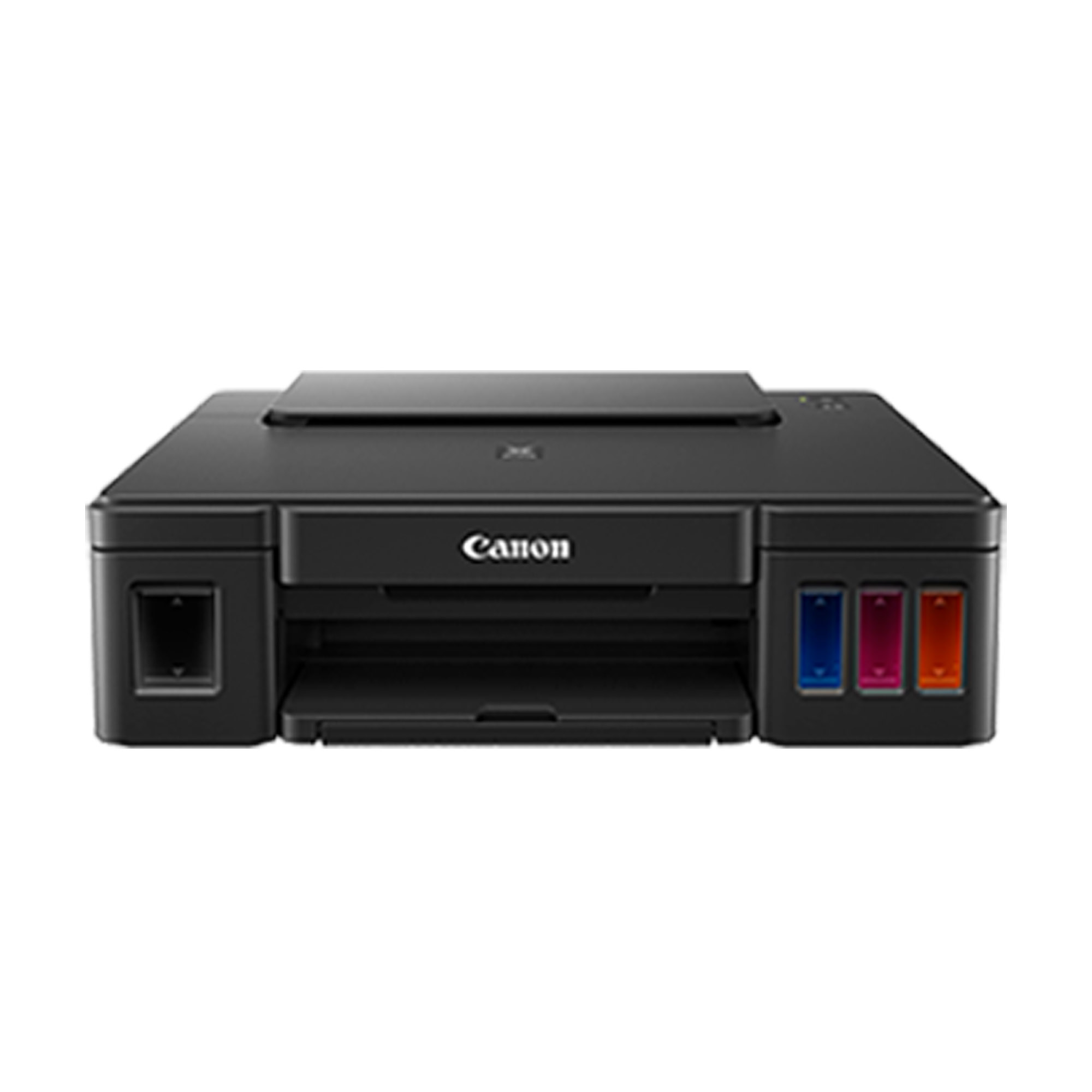
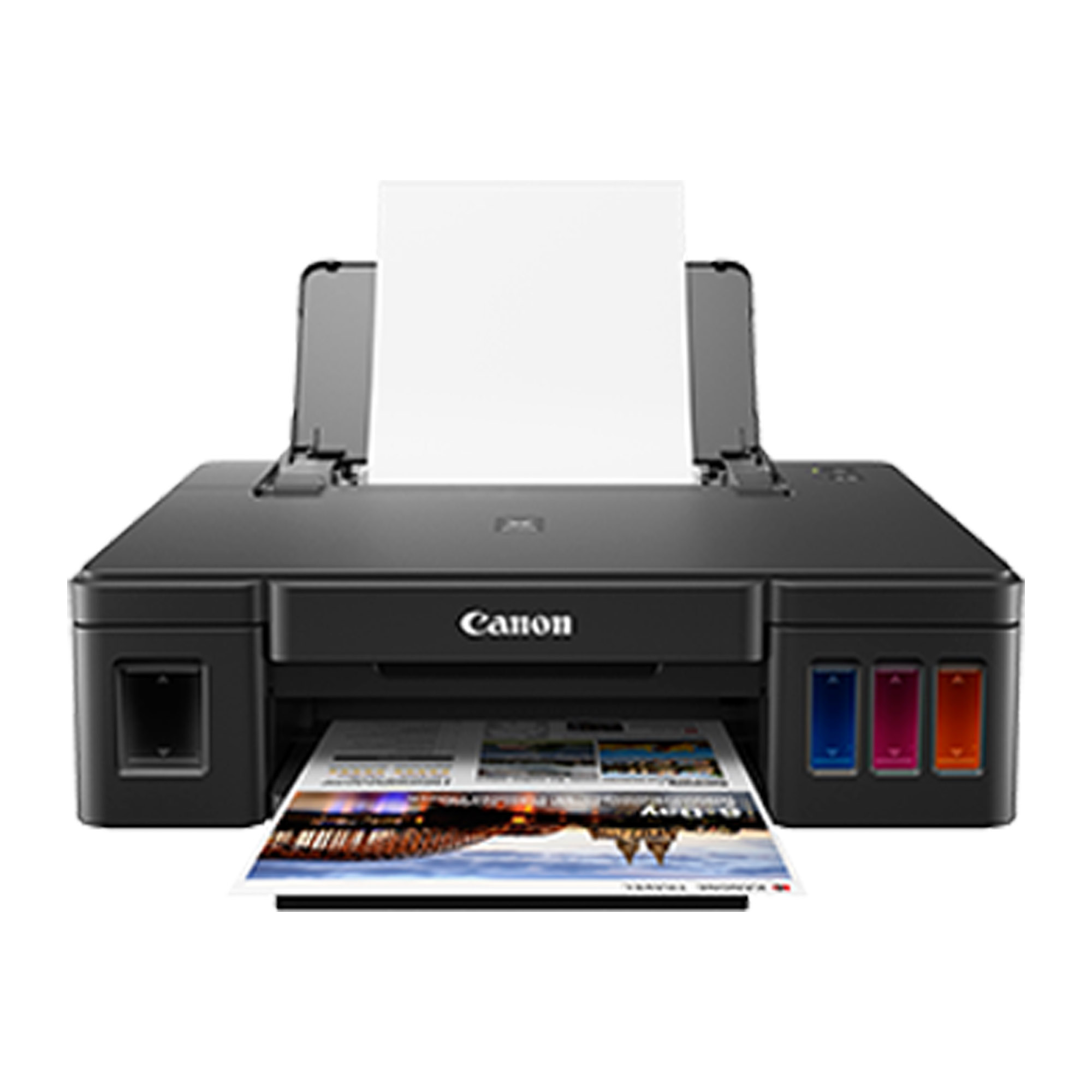
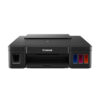
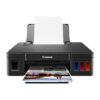
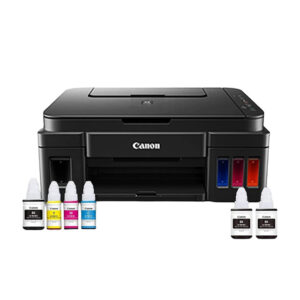
Canon PIXMA MegaTank G1010 Single Function Ink Tank
Designed for high volume printing at low running cost
- ISO Standard print speed (A4): 8.8 images per minute (mono) / 5.0 images per minute (colour)
- Photo Speed (10.16 x 15.24cm): 60s (borderless)
| Canon PIXMA MegaTank G1010 Single Function Ink Tank | |||
| Printing Resolution | 4 800 (horizontal)*1 x 1 200 (vertical) dpi | ||
| Print Head / Ink | Number of Nozzles: | Total 1 472 nozzles | |
| Ink Bottles | GI-790 (Black, Cyan, Magenta, Yellow) | ||
| Print Speed*2 Based on ISO / IEC 24734 Click here summary report Click here for Document Print and Copy Speed Measurement Conditions |
Document: Col | ESAT / Simplex | 5.0 images per minute |
| Document: B / W | ESAT / Simplex | 8.8 images per minute | |
| Document: Col | FPOT Ready/Simplex | 19s | |
| Document: B / W | FPOT Ready/Simplex | 13s | |
| Document: Col | FPOT Sleep/Simplex | 21s | |
| Document: B / W | FPOT Sleep/Simplex | 14s | |
| Photo (10.16cm x 15.24cm) | PP-201 / Borderless | 60s | |
| Printable Width | Bordered: | 203.2mm | |
| Borderless: | 216mm | ||
| Printable Area | Borderless Printing*3 | Top / Bottom / Right / Left margin: each 0mm (Supported Paper Size: A4 / Letter /10.16 x 15.24 cm/ 12.7 x 17.78cm / 20.32 x 25.4cm / Square (12.7 x 12.7cm) / Business Card) | |
| Bordered Printing | Top margin: 3mm, Bottom margin: 5mm, Left / Right margin: each 3.4mm (Letter / Legal: Left: 6.4mm, Right: 6.3mm) |
||
| Recommended Printing Area | Top margin: | 31.2mm | |
| Bottom margin: | 32.5mm | ||
| Paper Size | A4, A5, B5, Letter, Legal, 10.16cm x 15.24cm, 12.70cm x 17.78cm, 20.32cm x 64.51cm(25.4in), Envelopes (DL, COM10), Square (12.7 x 12.7 cm), Business Card, Custom size (width 55 – 215.9mm, length 89 – 676mm) | ||
| Paper Handling (Rear Tray) (Number) |
Plain Paper | A4, A5, B5, Letter = 100, Legal = 10 | |
| High Resolution Paper (HR-101N) | A4, Letter = 80 | ||
| Photo Paper Plus Glossy II (PP-201) | A4, Letter = 10, 10.16cm x 15.24cm= 20, 12.70cm x 17.78cm, 20.32cm x 25.40 = 10, Square (12.70cm x 12.70cm) = 20 | ||
| Photo Paper Plus Semi-Gloss (SG-201) | A4, Letter = 10, 10.16 x 15.24cm = 20, 12.70cm x 17.78cm, 20.32 x 25.4cm = 10 | ||
| Matte Photo Paper (MP-101) | A4, Letter = 10, 10.16cm x 15.24cm= 20 | ||
| Envelope | European DL / US Com. #10 = 10 | ||
| Glossy Photo Paper “Everyday Use” (GP-508) | A4 = 10, 10.16 x 15.24cm = 20 | ||
| Photo Paper Plus Glossy II (PP-208) | A4, 10.16 x 15.24cm = 10 | ||
| Photo Sticker | PS-108, PS-308R, PS-208, PS-808 = 1 | ||
| Paper Weight | Rear Tray | Plain Paper: 64 – 105 g/m² (gsm), Canon specialty paper: paper weight: 275 g/m² (gsm) Photo Paper Plus Glossy II (PP-201) | |
| Ink End Sensor | Dot count | ||
| Print Head Alignment | Manual | ||
| System Requirements (Please visit www.canon-asia.com to check OS compatibility and to download the latest driver updates) |
Windows: | Windows 10, Windows 8.1, Windows 7 SP1 | |
| Macintosh: | Mac OS is not supported | ||
| General Specifications | |||
| Interface | USB 2.0 Hi-Speed | ||
| Paper Output Tray | A4, Letter = 50, Legal = 10 | ||
| Operating Environment*4 | Temperature: | 5 – 35°C | |
| Humidity: | 10 – 90% RH (no dew condensation) | ||
| Recommended Environment*5 | Temperature: | 15 – 30°C | |
| Humidity: | 10 – 80% RH (no dew condensation) | ||
| Storage Environment | Temperature: | 0 – 40°C | |
| Humidity: | 5 – 95% RH (no dew condensation) | ||
| Quiet Mode | Available | ||
| Acoustic Noise (PC Print)*6 | Plain Paper (A4, B/W) | 54.5dB | |
| Power | AC 100 – 240V; 50 / 60Hz | ||
| Power Consumption | Connection to PC | USB | |
| OFF: | 0.2W | ||
| Standby (scanning lamp is off): (USB connection to PC) |
0.6W | ||
| Standby (all ports connected, scanning lamp is off) | 0.6W | ||
| Printing*7: G1010 | 11W | ||
| Typical Electricity Consumption (TEC)*8 | 0.1kWh | ||
| Environment | Regulation: | RoHS (EU, China)*, WEEE (EU)* *To be fixed |
|
| Eco-Label: | Energy Star* *To be fixed |
||
| Dimension (W x D x H) | Factory configuration | 445 x 330 x 135mm | |
| Output / ADF trays extended | 445 x 529 x 253mm | ||
| Weight | 4.8kg | ||
| Disclaimers | |
| • | You need to install ink bottles of all colours whether you perform black and white printing or colour printing. If any of the ink bottles is not installed, an error occurs and you cannot perform printing |
| • | Even when black-only or grayscale printing is selected, depending on the printing material and driver settings used, colour inks might still be consumed when printing. When the remaining ink level of any ink tank falls below the lower limit line, Canon recommends that you refill that ink bottle with the corresponding colour of ink. |
| • | During the initial printer setup, a certain amount of ink is used to fill the print head’s nozzles with ink. Therefore, the page yield of the initial bundled set of ink bottles will be lower than that of the subsequent sets of bottles. |
| • | To keep printer’s performance, Canon printer performs cleaning automatically according to its condition. When the printer performs cleaning, a small amount of ink is consumed. In this case, all colours of ink may be consumed. [Cleaning function] The cleaning function helps the printer to suck air bubbles or ink itself from the nozzle and thus prevents print quality degradation or nozzle clogging. |


Reviews
There are no reviews yet.